This article explains how to install NeoFreeBird on an iPhone using SideStore.
NeoFreeBird is a modified IPA for X/Twitter. It can bring back a more Twitter-like feel and reduce ads or unnecessary UI. An IPA is the app file itself on iPhone.
This is not an official app. It may stop working suddenly.
Before You Start
- This guide is for non-jailbroken devices using SideStore.
- Download the latest IPA from GitHub Releases.
- Server-side changes from X/Twitter may break it at any time.
- Do not report problems caused by this repository's build to X/Twitter support, the original NeoFreeBird developers, or another project.
What Is NeoFreeBird?
NeoFreeBird is a modified version of the X/Twitter app with extra features.
Its main purpose is to reduce clutter and make the app feel closer to the older Twitter experience.
For example, it can hide ads, hide Grok buttons, restore tweet source labels, and change theme colors.
Test Environment
I wrote this guide based on the following setup.
| Item | Details |
|---|---|
| PC OS | Windows 11 |
| Device | iPhone 16 |
| iOS Version | iOS 26.2 beta 1 |
| NeoFreeBird | v6.0.4 |
The general flow should be similar on other setups, but labels and error causes may differ depending on iOS and SideStore.
Install SideStore
NeoFreeBird is an IPA file, so you need a way to install IPA files on your iPhone first.
This guide assumes you are using SideStore. If you do not have it yet, install SideStore with iLoader first.
 How to Install SideStore in 2026
https://necco.tech/blog/sidestore-iloader/
How to Install SideStore in 2026
https://necco.tech/blog/sidestore-iloader/
After installing SideStore, make sure SideStore itself can refresh successfully.
Download NeoFreeBird
First, open the NeoFreeBird Releases page.
At the time of checking, the latest release was v6.0.4 - theacrat-NFB.
The v6.0.4 notes mention added icons for the Twitter rebrand version, a timeline refresh sound option, and a fix for custom fonts not applying.
Why I Used This Repository
On my setup, the NeoFreeBird-related IPAs I tried previously failed with an error during installation through SideStore. The sideloaded IPA from the theacrat/NeoFreeBird repository linked in this guide installed and launched successfully on the same setup.
This is only the result from my test environment. Do not send problems with this build to X/Twitter support or developers of another project. Check this repository's release notes and known issues first.
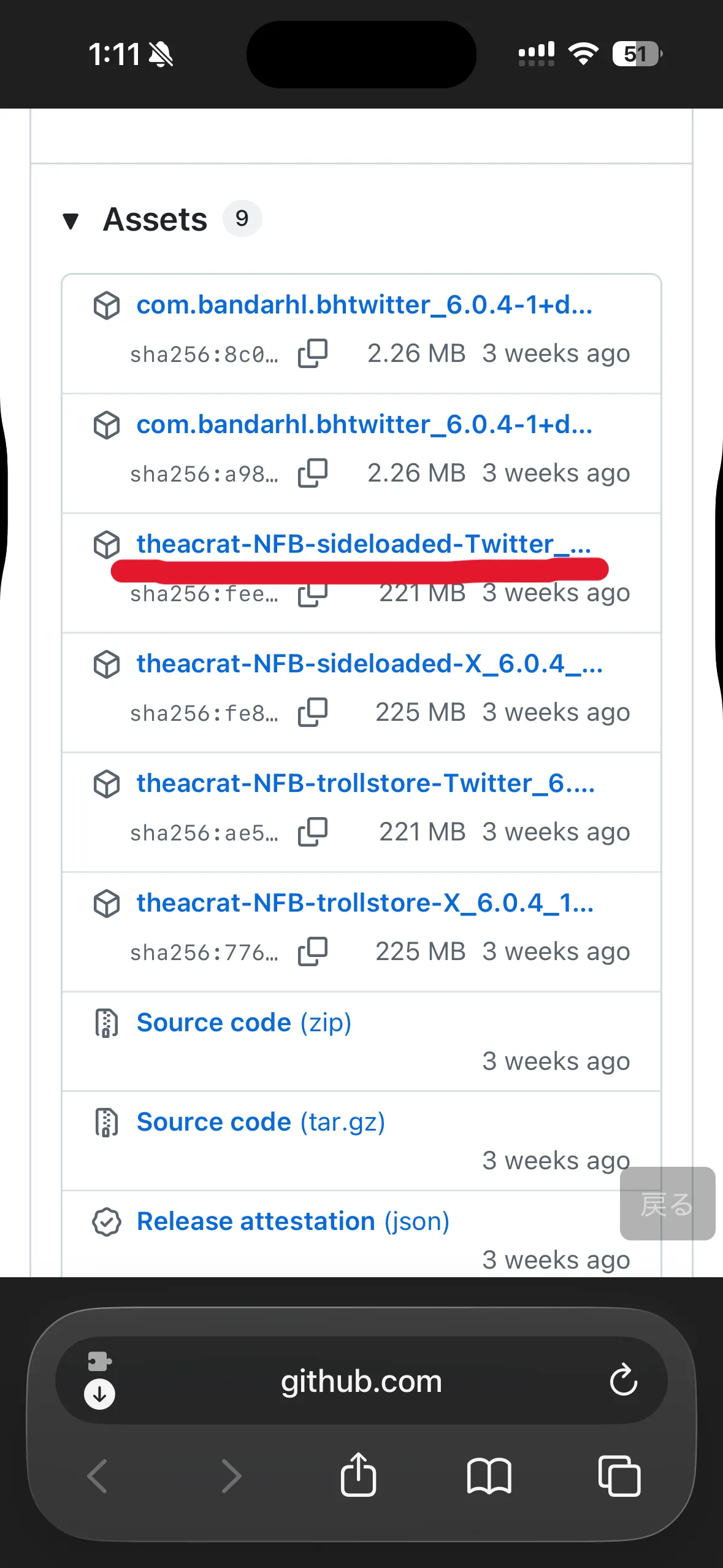
The release assets include several different file types.
For SideStore, choose the .ipa file.
Files For SideStore
theacrat-NFB-sideloaded-Twitter_6.0.4_12.3.ipatheacrat-NFB-sideloaded-X_6.0.4_12.3.ipa
Choose the Twitter IPA if you want a Twitter-like look. Choose the X IPA if you prefer the X-style look.
.deb is for jailbreak setups. .tipa is for TrollStore. For non-jailbroken SideStore use, choose .ipa.
How To Check The Latest Version
Check the version shown at the top of the GitHub Releases page. Search results may point to older versions, so always recheck the Releases page before downloading.
Check SideStore First
Before installing NeoFreeBird, make sure SideStore itself works correctly.
If SideStore is unstable, it becomes hard to tell whether the problem is NeoFreeBird or SideStore.
Checklist
- LocalDevVPN can connect.
- SideStore itself can refresh.
- You are signed in with your Apple Account.
- The 7-day counter updates correctly.
If something fails here, fix SideStore before installing NeoFreeBird.
Install NeoFreeBird
Once SideStore works, installing NeoFreeBird is fairly simple.
Install Steps
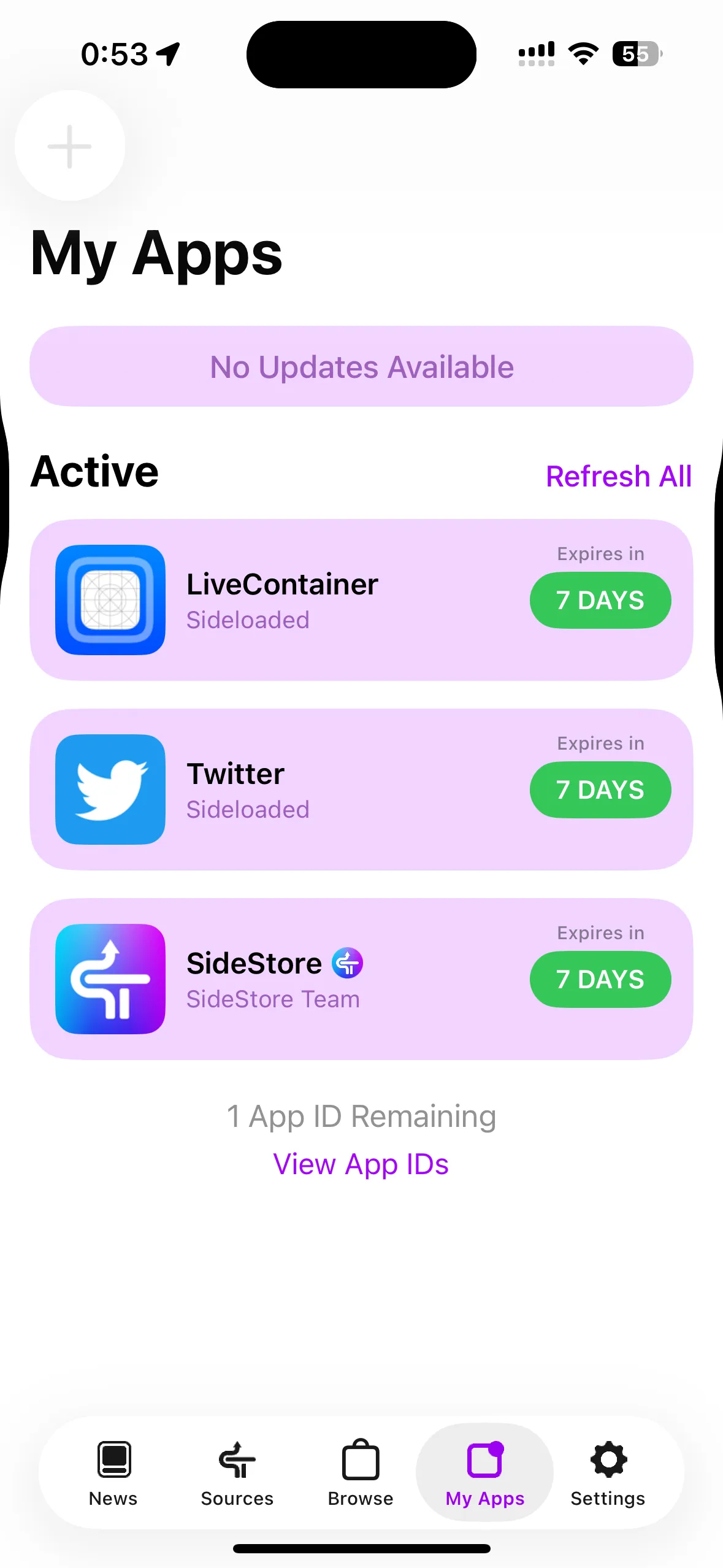
- Open SideStore.
- Tap the `+` button in `My Apps`.
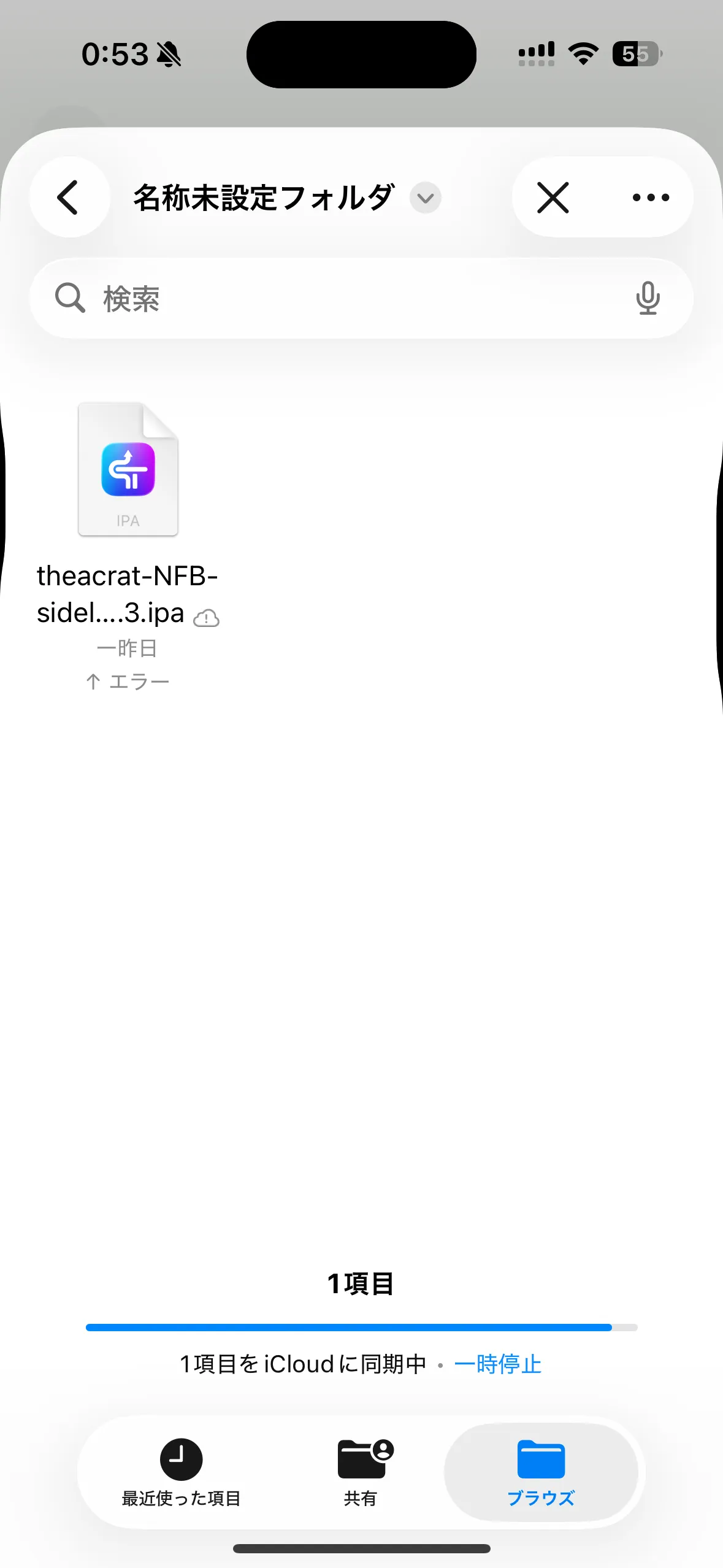
- Select the downloaded IPA.
- Wait for signing and installation to finish.
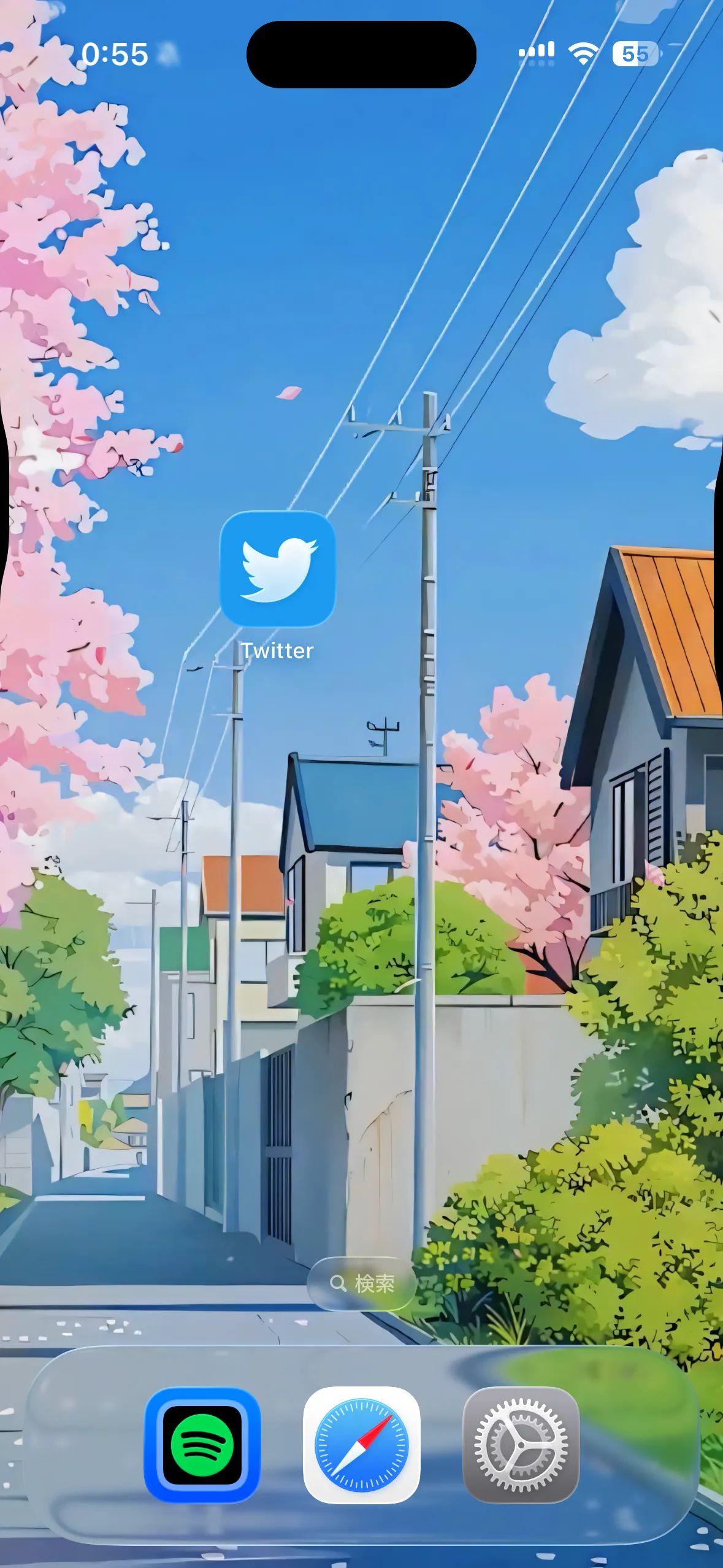
- Open NeoFreeBird from the Home Screen.
After installation finishes, NeoFreeBird should appear on your Home Screen.
At this point, SideStore signing and app installation have succeeded.
Log In To X/Twitter
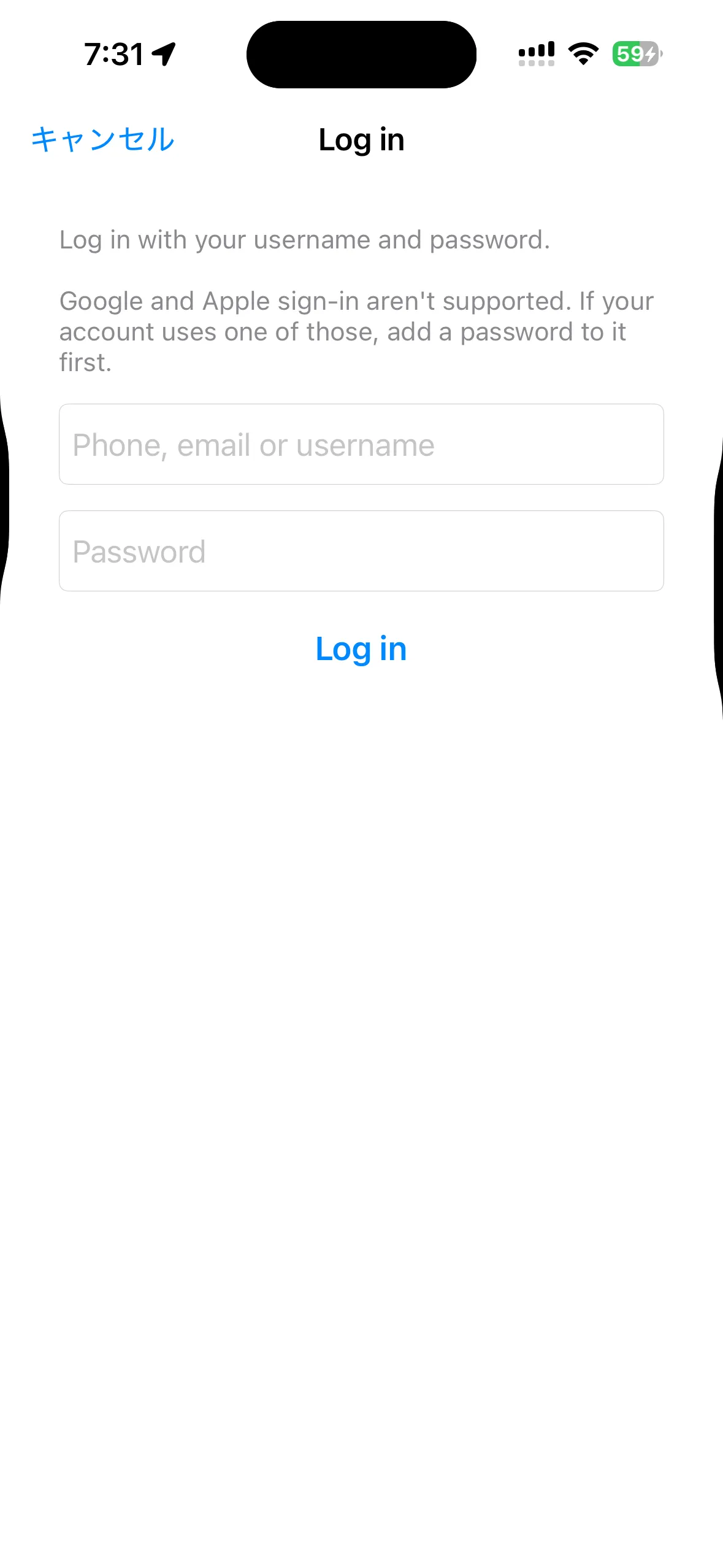
After opening NeoFreeBird, log in to your X/Twitter account first.
In some older versions, people reported that Google login was required or worked more reliably. With NeoFreeBird v6.0.4, email or username plus password login now works.
Login Checklist
- Open NeoFreeBird.
- Enter your email address or username on the X/Twitter login screen.
- Enter your password and log in.
- Confirm that the timeline loads.
If external login gets stuck, check whether you can log in to X/Twitter from a browser, then make sure normal password login is available before trying again.
Open Settings
NeoFreeBird settings are opened from inside the X/Twitter app settings.
The usual flow is below.
- Swipe from left to right
- Open
Settings and privacy - Open the
NeoFreeBirditem
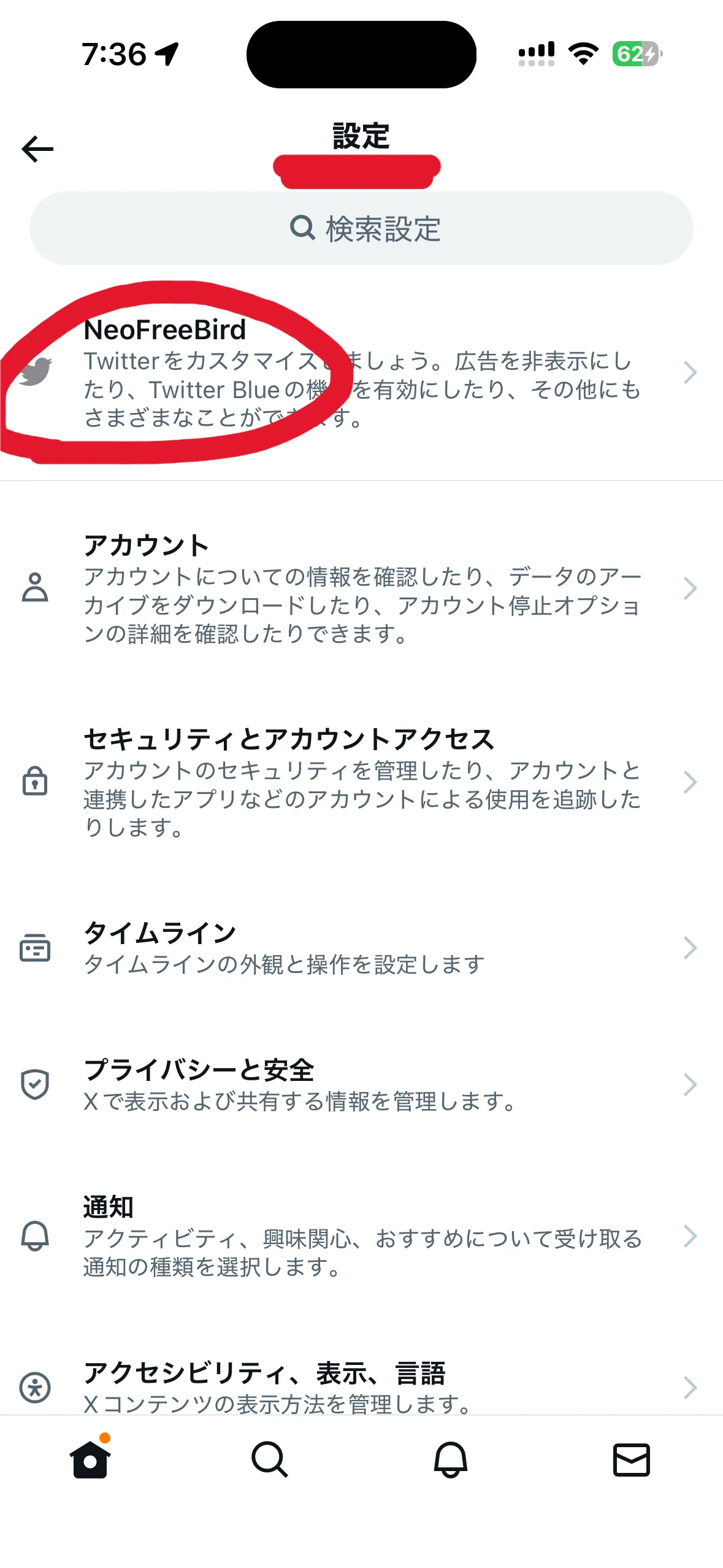
The label may differ slightly depending on the IPA and version.
Recommended Settings
After installing NeoFreeBird, these are the settings I would check first.
Recommended Settings
- Hide ads.
- Always show the scrollbar.
- Change the theme color.
- Show tweet source labels.
- Use an external browser.
- Change the app icon.
- Hide Who to Follow and other recommendation prompts.
- Adjust tab bar-related UI.
- Hide Grok-related buttons.
Hide Ads
This hides ads and promoted posts in timelines and search results.
For many people, this is one of the main reasons to use a modified client, so it is the first setting worth checking.
It may stop working if X/Twitter changes something server-side.
Always Show Scrollbar
This keeps the scrollbar visible while scrolling the timeline.
It helps you understand your position in long timelines, search results, and profile pages.
Change Theme Color
This changes the accent color used inside the app.
It affects links, buttons, and selected tabs. It can also make controls easier to find in dark mode.
Show Tweet Source Labels
This shows labels such as Twitter for iPhone or Twitter Web App under posts.
It is useful when you want to identify bots, scheduled posts, or third-party clients.
Use External Browser
This opens links in Safari or your default browser instead of the in-app browser.
Turn it on if you want to use your normal browser login state, ad blocker, and password manager.
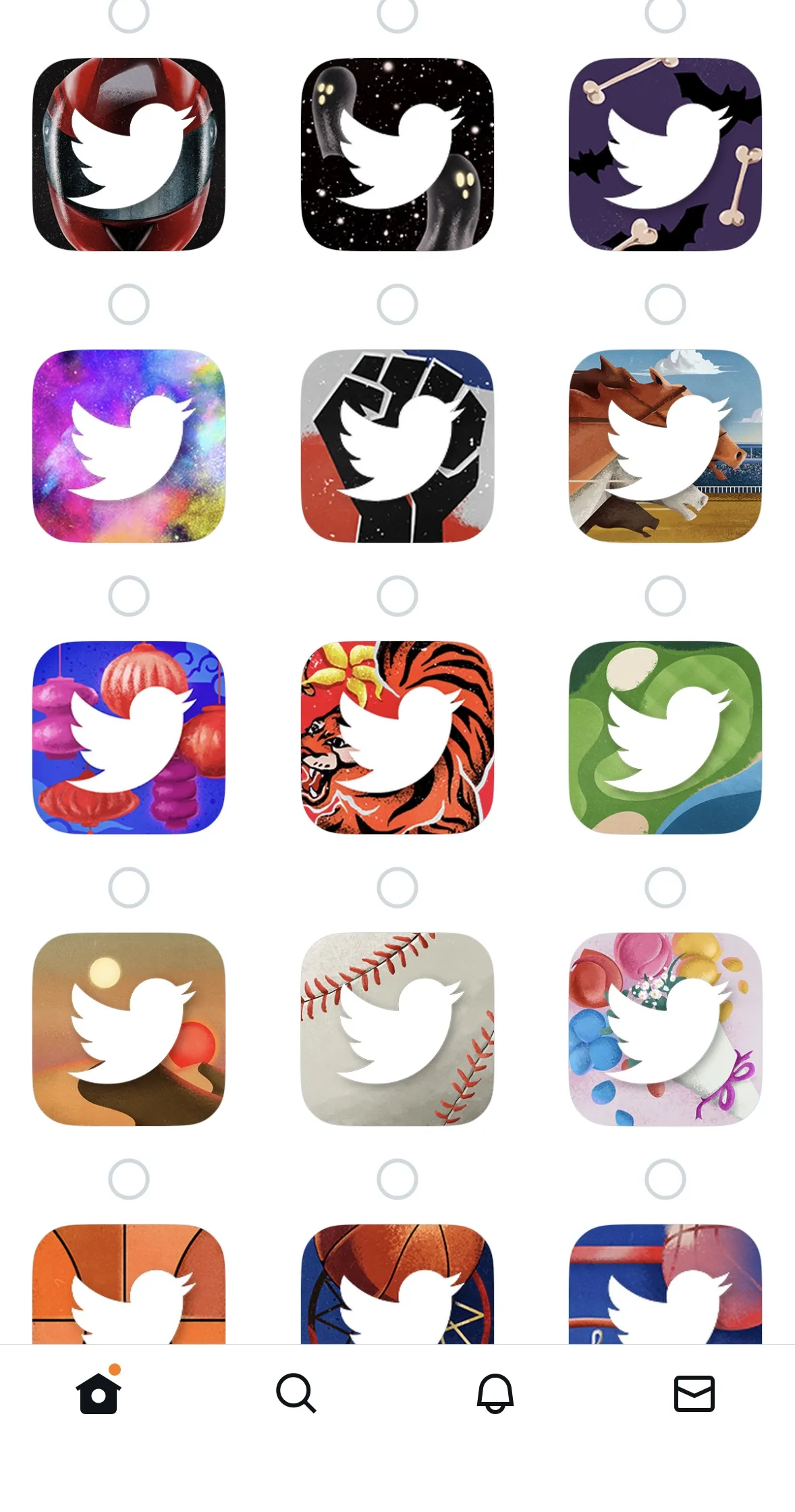
Change App Icon
This changes the app icon shown on the Home Screen.
If you also keep the official X app installed, changing the icon helps avoid opening the wrong app.
There are also older Twitter-style icons.
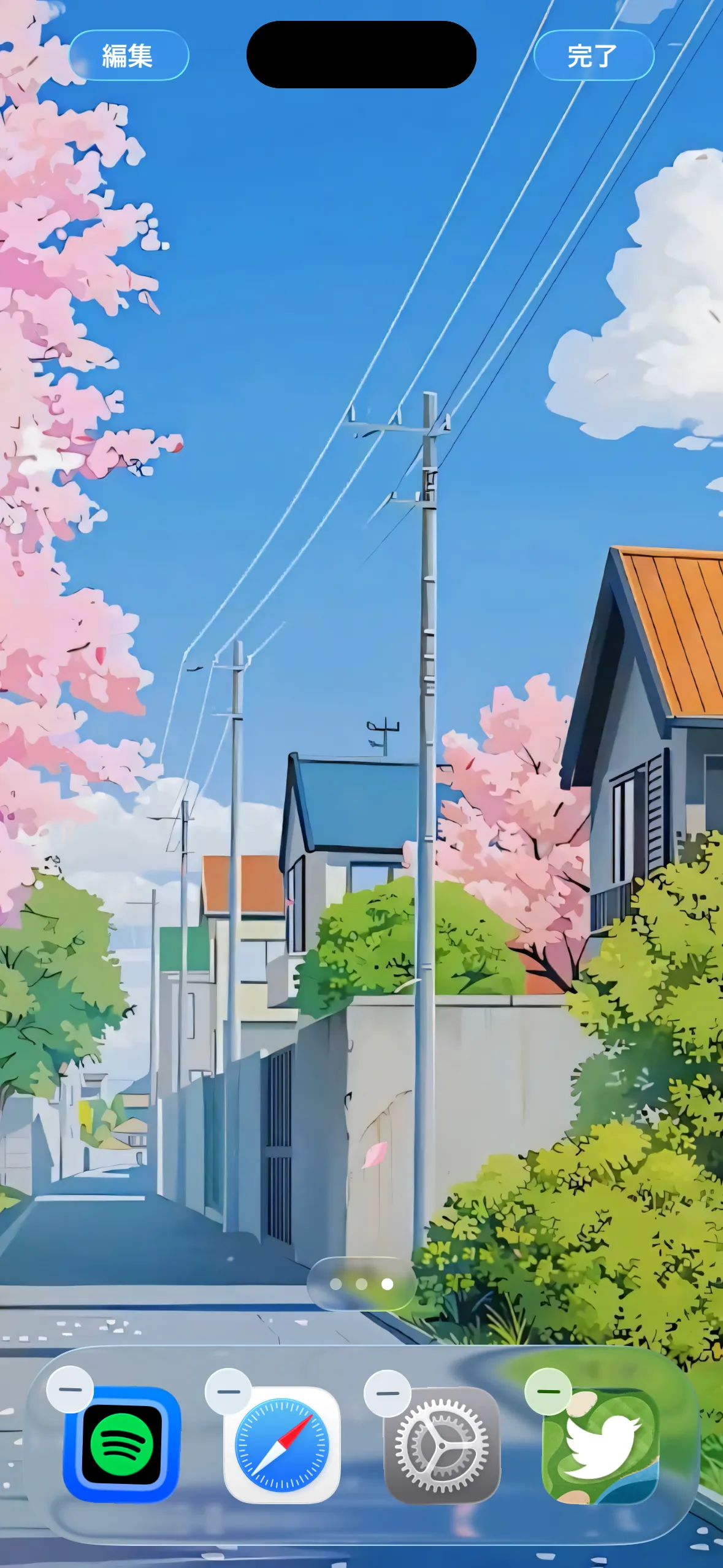
I tried the greenish icon. It fits nicely with my wallpaper.
Hide Who to Follow and Other Prompts
This setting reduces Who to Follow, recommended users, timeline prompts, boost-related buttons, and similar interruptions in the timeline or search results.
The official app often inserts recommendation and promotion blocks while you are reading. If you simply want to read posts in order, those blocks can get in the way.
The NeoFreeBird v6 series added options to hide timeline prompts and the boost button, and v6.0.3 included a fix for cases where Who to Follow still appeared. If it does not disappear, toggle the setting off and on, restart the app, then reinstall the latest IPA if needed.
If It Still Appears
Who to Follow may appear once even when the setting is enabled. If it keeps appearing, try toggling the related setting off and on, restarting the app, and then reinstalling the latest IPA.
Adjust Tab Bar UI
This is for cleaning up the bottom tab bar, Premium-related items, and subscribe button-related UI.
Depending on the X/Twitter version, the bottom tabs and side menu items can change over time. When unused items pile up, it becomes harder to focus on the buttons you actually use, such as notifications or search.
NeoFreeBird’s tab bar-related controls help keep the app closer to the workflow you want. This is worth checking especially if you want to reduce Premium, subscribe, or Grok-related entry points.
Hide Grok Buttons
The v6 series includes controls for Grok-related UI.
It can hide the Grok compose button, sidebar Grok button, and profile analysis buttons.
If you do not use Grok, turning this on makes the app cleaner.
Changes In v6.0.4
v6.0.4 is more of a small improvement and bug-fix release than a major feature release.
The confirmed changes are below.
- Added the same icon set to the Twitter rebrand version
- Added a refresh sound option to Timelines
- Fixed custom fonts not applying
The v6 series also includes Grok controls, share-domain changes, Undo Tweet timing, auto-translation disabling, video scroll controls, screenshot detection disabling, timeline prompt and boost button hiding, and tab bar-related adjustments.
Common Issues
IPA Does Not Install
Make sure you did not choose .deb or .tipa. SideStore needs the .ipa file.
Signing Fails In SideStore
Check that LocalDevVPN is connected.
Then check whether SideStore itself can refresh. If SideStore cannot refresh, fix that before blaming NeoFreeBird.
Cannot Log In
First, try the normal email or username plus password flow described in the login section above.
If that still fails, confirm that you can log in through a browser. If browser login also fails, the problem may be account verification or account restrictions rather than NeoFreeBird itself.
Custom Fonts Do Not Apply
v6.0.4 includes a fix for custom fonts not applying.
If you are using an older IPA, you need to reinstall v6.0.4.
Summary
This article introduced how to install the X modified app NeoFreeBird on an iPhone.
Older versions had fewer app icons and some lag, but those parts feel much better now.
Whether you choose the X app style or the Twitter app style is completely up to you. If you want to show it off, try the Twitter-style app.
After installation, I recommend checking ad hiding, external browser, source labels, and Grok button hiding first.